Find, Select, and Deploy Models
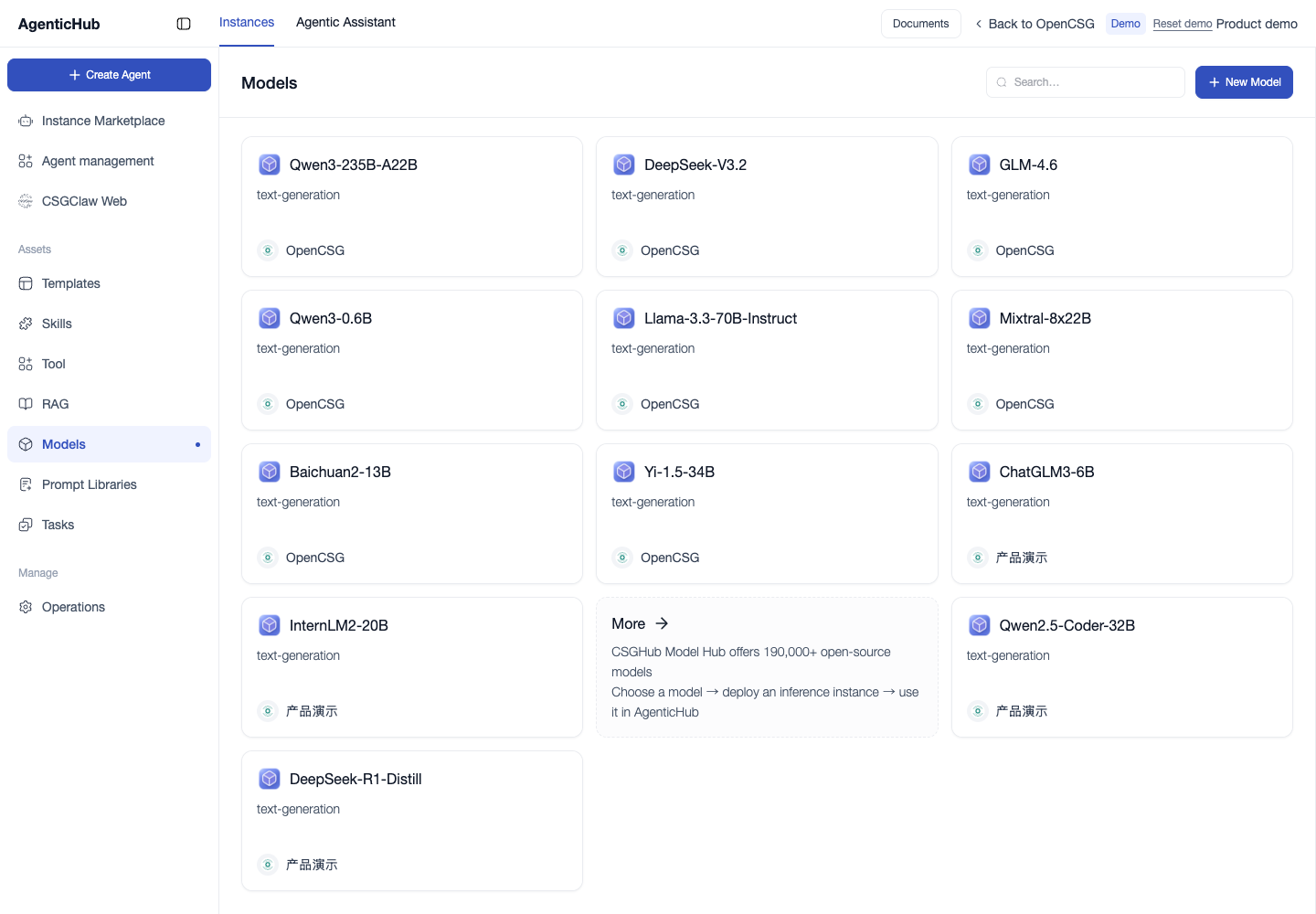
- Open Agents → Models. Search by model ID and check the task type and provider.
- For a conversation, select a model in the Agentic Assistant input area. For a reusable agent, select a model in Capabilities and publish the updated version.
- Reuse the same question and source material to compare output. If the agent uses tools or knowledge, add a test for each dependency.
- If a listed model is missing from the selector, check account permissions, the agent type, and whether the deployment enables the model for AgenticHub.
Create an inference endpoint
From Models → New, open the CSGHub inference endpoint form. Select the owner, model, region, compute resources, and supported framework. Configure replicas and visibility as needed. Wait for the endpoint to become ready, then test inference. Ask your administrator to check the AgenticHub model configuration if the endpoint responds but the model remains unavailable in the selector.
Use More Models to browse model repositories.