Create a Skill with skill-creator
Best for quickly validating an idea with minimal file work. Sign-in: Account and environment.
-
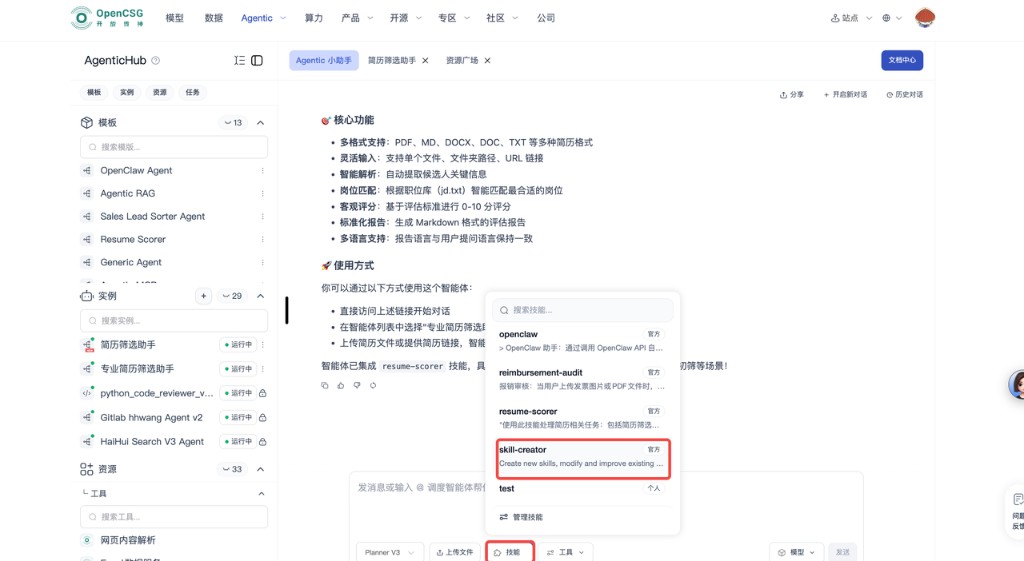
Open skill-creator from the main or skills navigation.
-
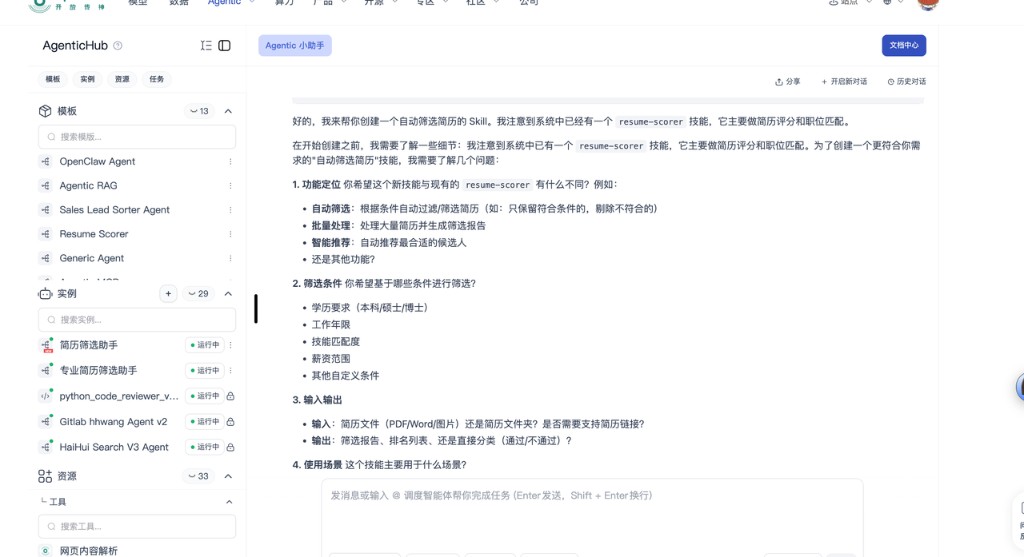
Describe inputs, outputs, and core logic. If the write-up is too vague, the system asks follow-up questions.
-
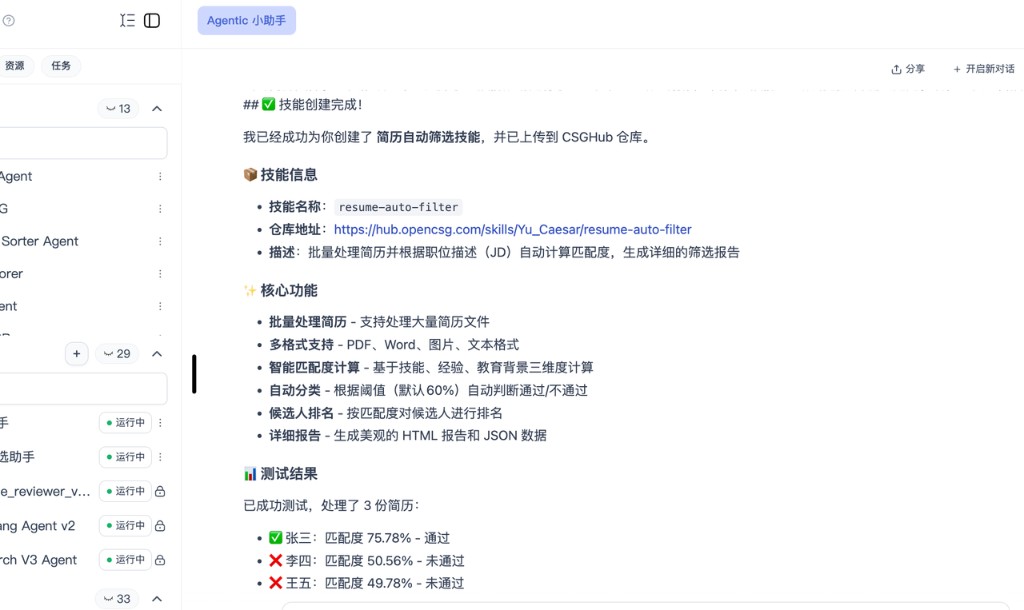
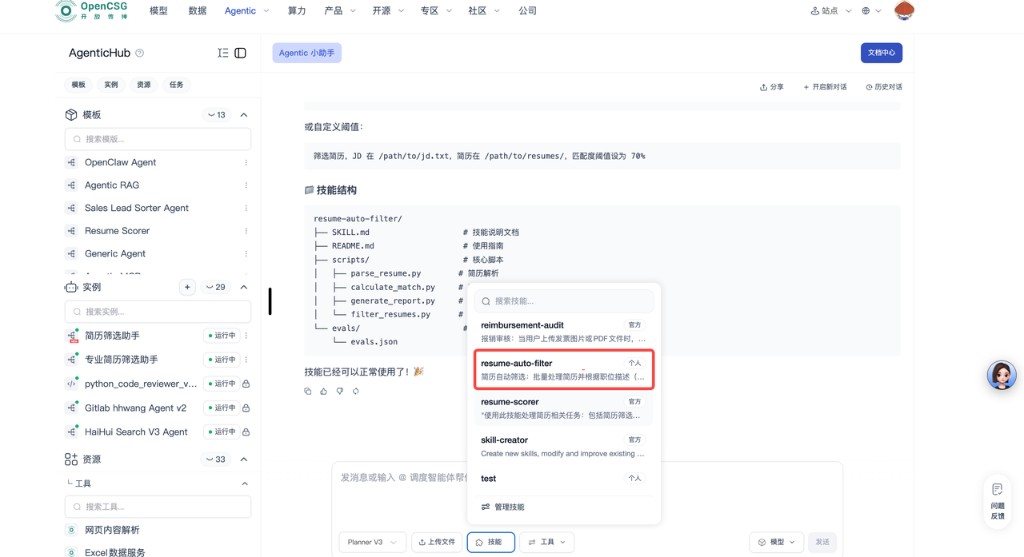
After the first version is generated, find the Skill in the skill bar at the bottom of the page.
-
Fill the invocation URL or sample parameters and test. Refine in natural language, or move to the Skill repository for finer edits.
-
When it works, complete name, description, and visibility, then use privately or publish.
Be explicit about data shapes and edge cases. Regression-test on multiple examples before public release or production use.