Clone with Git and develop locally
Best for teams forking public or community Skills and using a local IDE with branches.
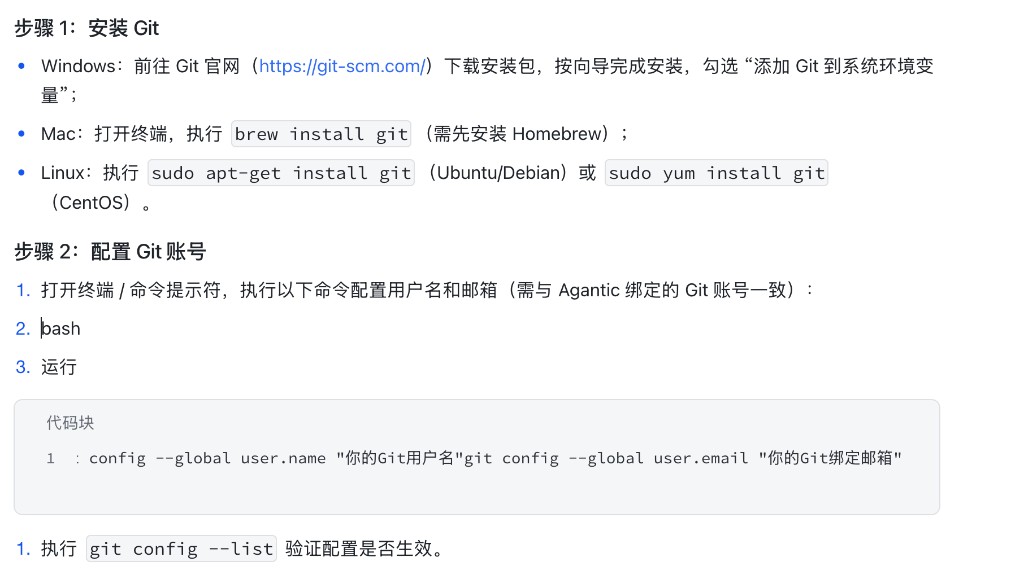
1. Install Git
- Windows: Download the installer from the Git website. Enable adding Git to PATH.
- macOS:
brew install git(Homebrew required). - Linux: Ubuntu / Debian:
sudo apt-get install git; CentOS-style:sudo yum install git.
Run git --version and confirm 2.20 or newer.
2. Configure your Git identity
Use a name and email that match the Git identity bound to AgenticHub (OpenCSG):
git config --global user.name "Your Git username"
git config --global user.email "Your Git email"
3. Get the clone URL
Open the public Skill in the skill repository and copy the HTTPS or SSH URL from Download skill.
Steps
-
Run
git clonelocally.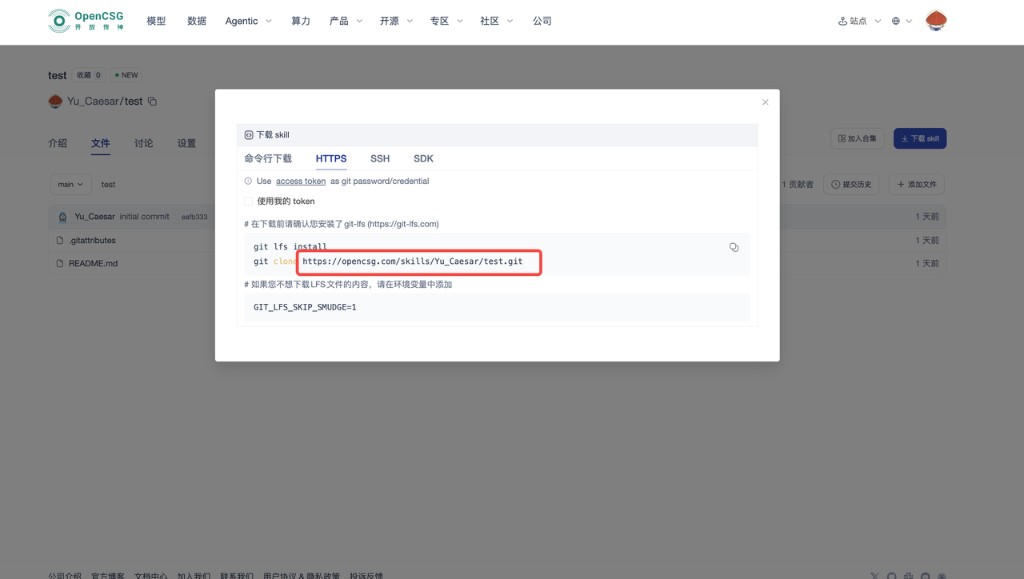
-
Edit core config (often
skill_config.json,skill.yaml, orSKILL.md) and keep version and description in sync.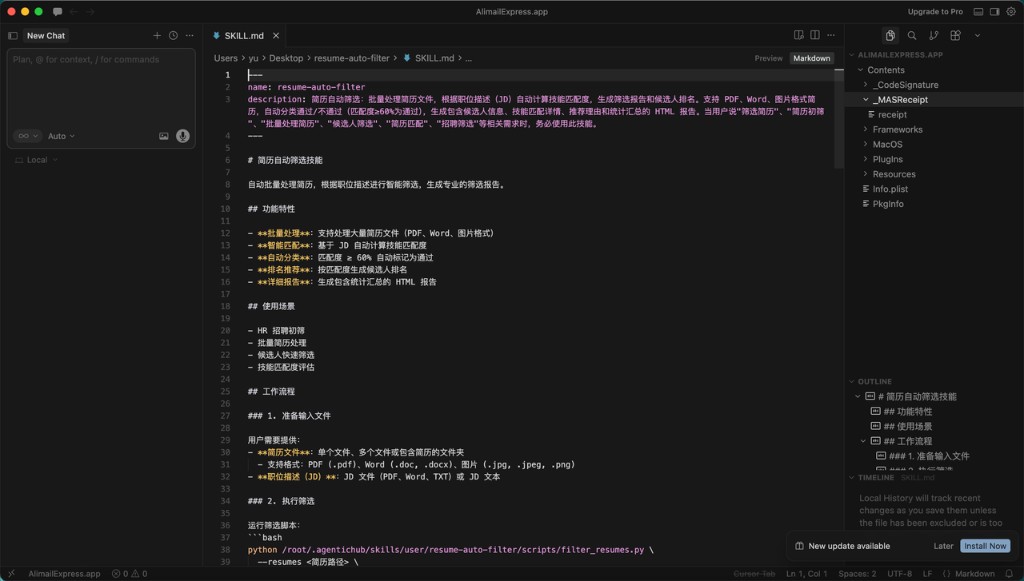
-
After local checks,
git add,commit, andpushwith a message that states the business change.
In-browser editing fits light changes; Git fits multi-person work and local tests. You can also combine it with the Skill repository.