Account and environment
How to get in
Open AgenticHub and the console from OpenCSG: https://opencsg.com/agentichub
Sign-up
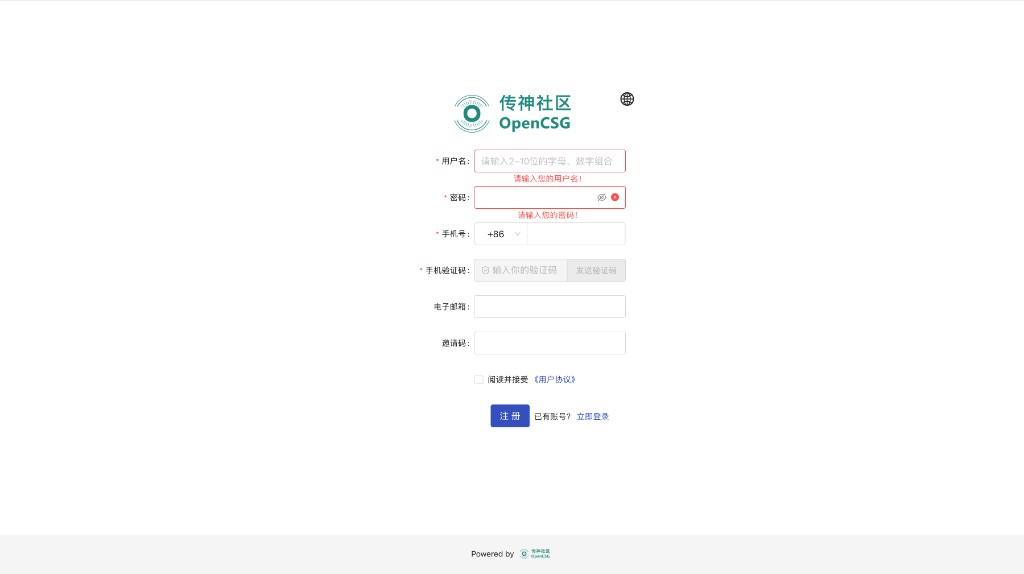
You can register with a phone number or email. If a step asks for SMS or email verification, complete it as prompted so login and sensitive actions are not blocked.
Sign-in
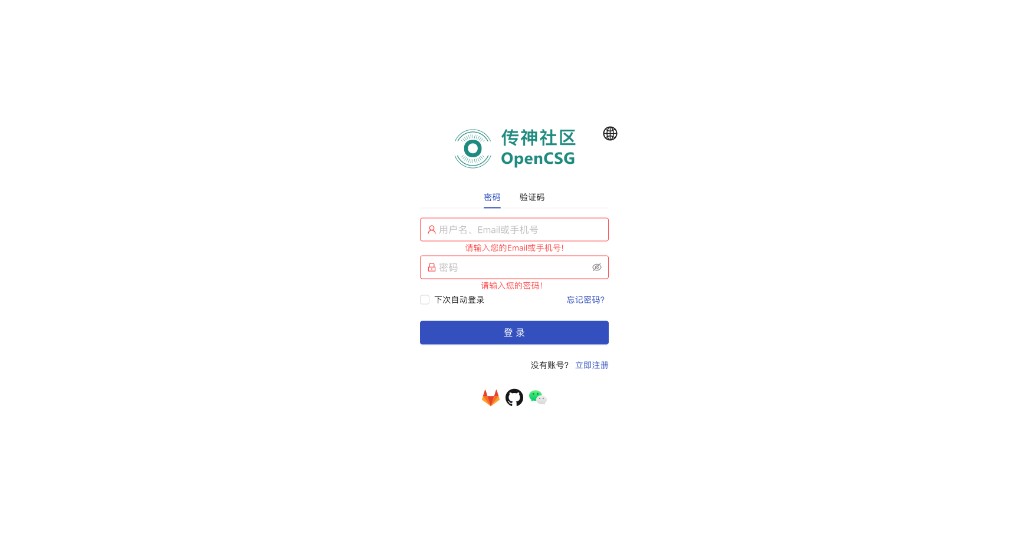
Password sign-in and verification-code sign-in are supported; switch on the sign-in page as you prefer. If you forget the password or do not receive a code, use the recovery or resend options on the page; if it still fails, contact official support.
Environment
Use a current stable version of Chrome, Edge, Safari, or another modern browser for full layout and interaction. The product works on mobile for quick checks on the go; for heavy configuration, long writing, or batch operations, a desktop is recommended.
Keep the network available. If corporate policy restricts domains or HTTPS, ask your network admin to allow OpenCSG and related service endpoints; exact scope follows your security policy and platform notices.