LLM Wiki knowledge bases
Use this when you need to turn multiple source documents into a reviewable, publishable, maintainable Wiki, not only a retrieval knowledge base. Existing organization knowledge bases can also become readable Wikis: admins maintain sources and generate Wikis; members read Wikis and preview questions. Regular retrieval: Knowledge base and RAG.
Path: Left Resources → Knowledge base → New → choose LLM Wiki → choose visibility → create.
- Choose
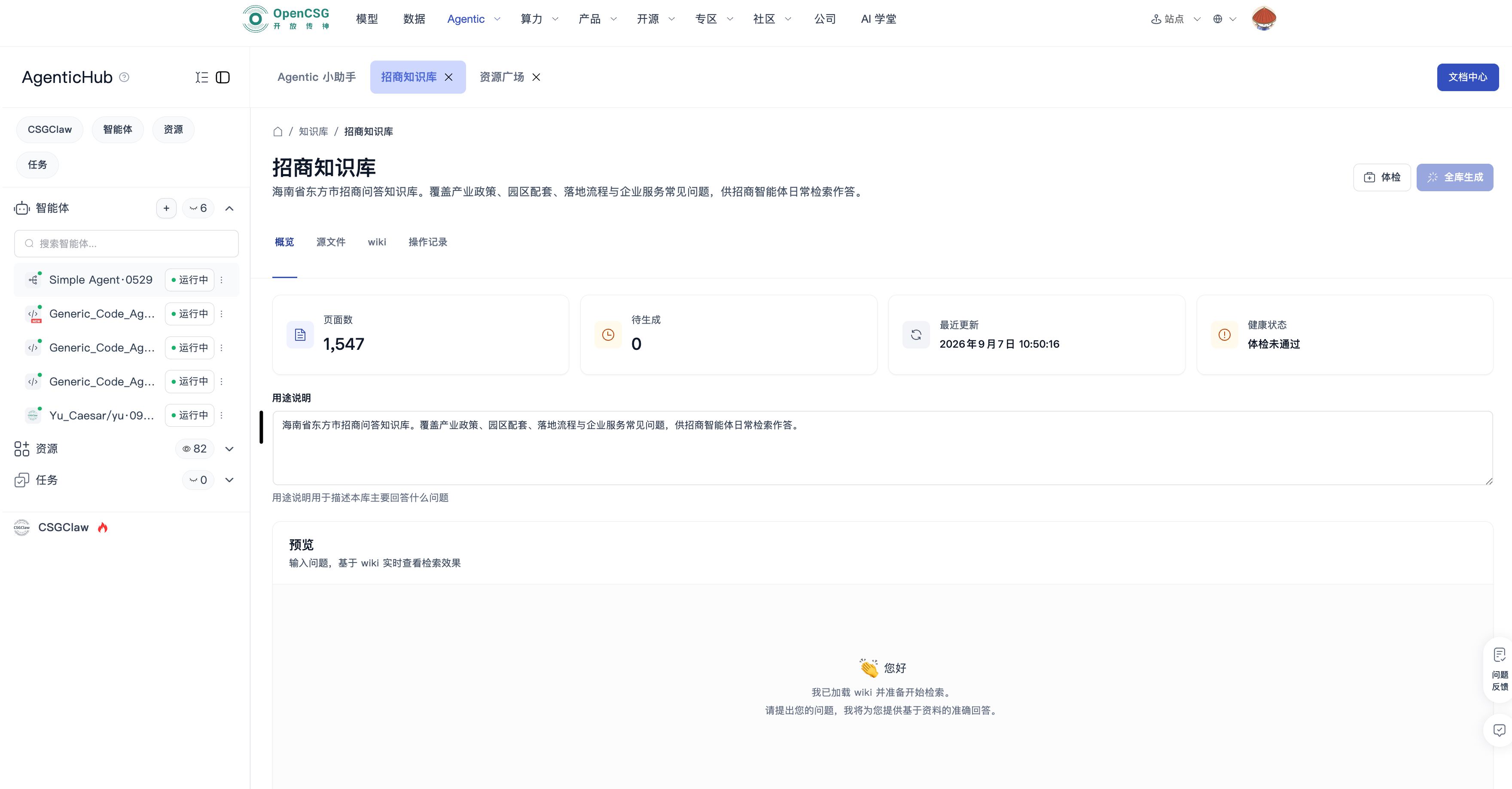
LLM Wikiwhen creating a knowledge base. Use a regular knowledge base if you only need retrieval. Members can also create their own knowledge bases and set them private or public within the organization. - Fill name, description, and visibility, then create. Open Wiki details to upload or replace source files.
- In Sources, preview, replace, or delete materials. Generate Wiki pages when sources are ready.
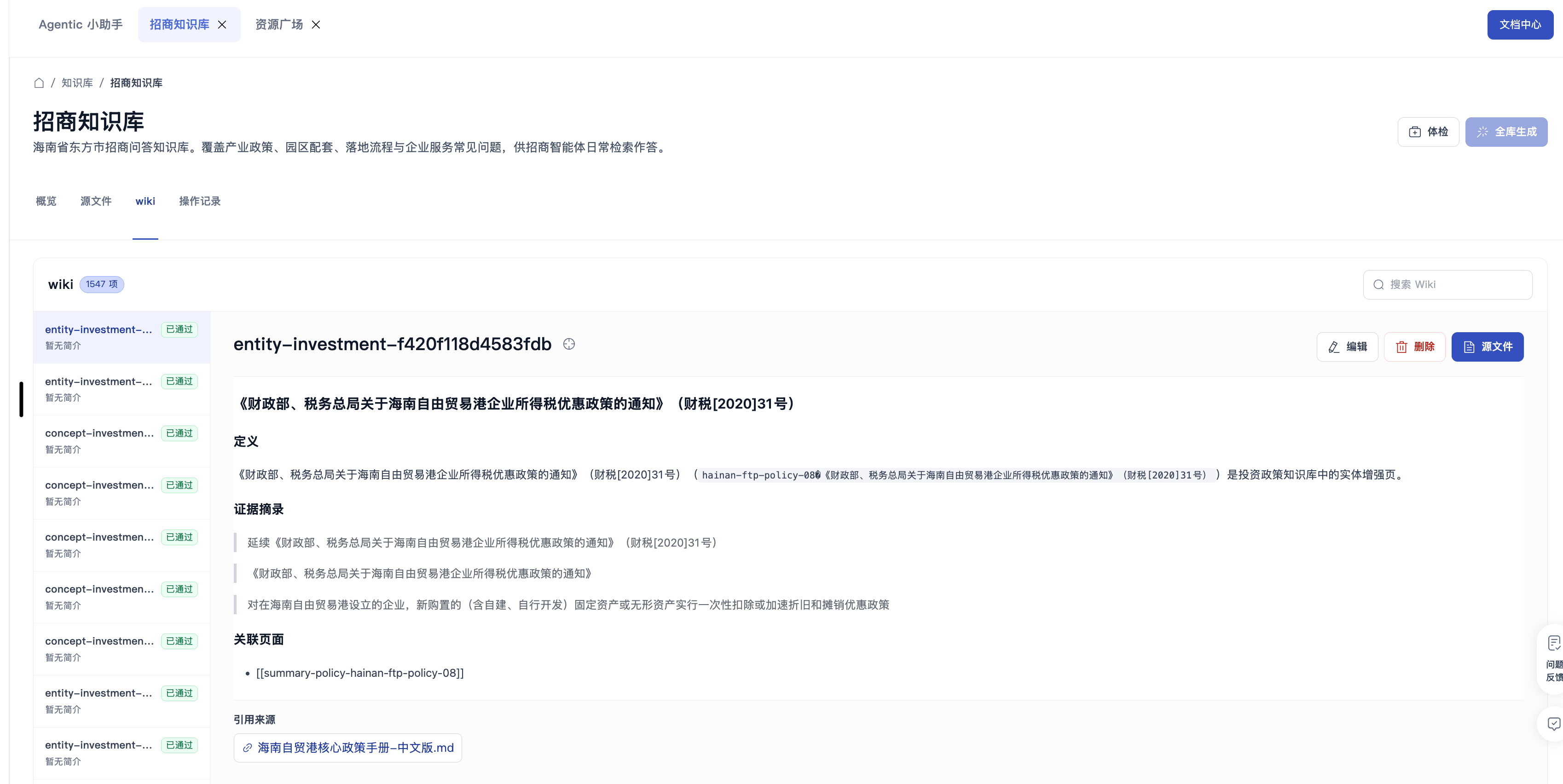
- In Pages, review candidate content and source citations. Edit, delete, or publish pages according to permission.
- In Health check / operations, resolve conflicts, stale sources, or orphan pages, then regenerate or republish.
Done when: Wiki pages are available or published, and each page traces back to source materials. Organization-public knowledge bases can be opened read-only by others to read and preview questions.