Use CSGClaw in AgenticHub
Create an isolated CSGClaw runtime inside AgenticHub. Local install, CLI, and WebUI remain in CSGClaw overview. Feishu, WeChat, and other channels: OpenClaw.
Create a sandbox
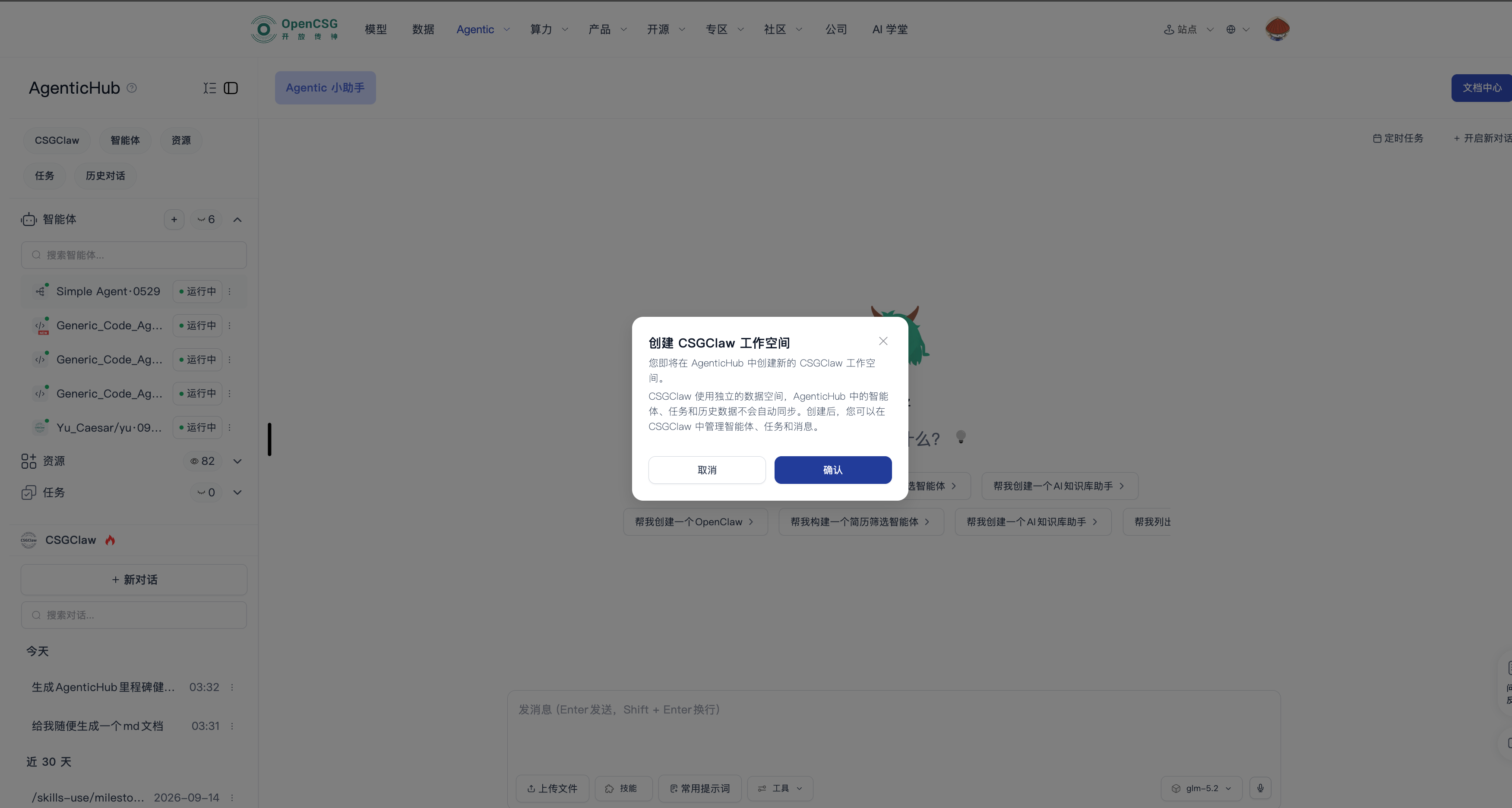
Path: CSGClaw template or instance create → Create sandbox → fill name, model, and resources → submit.
- Confirm compute, network, data, and permission requirements.
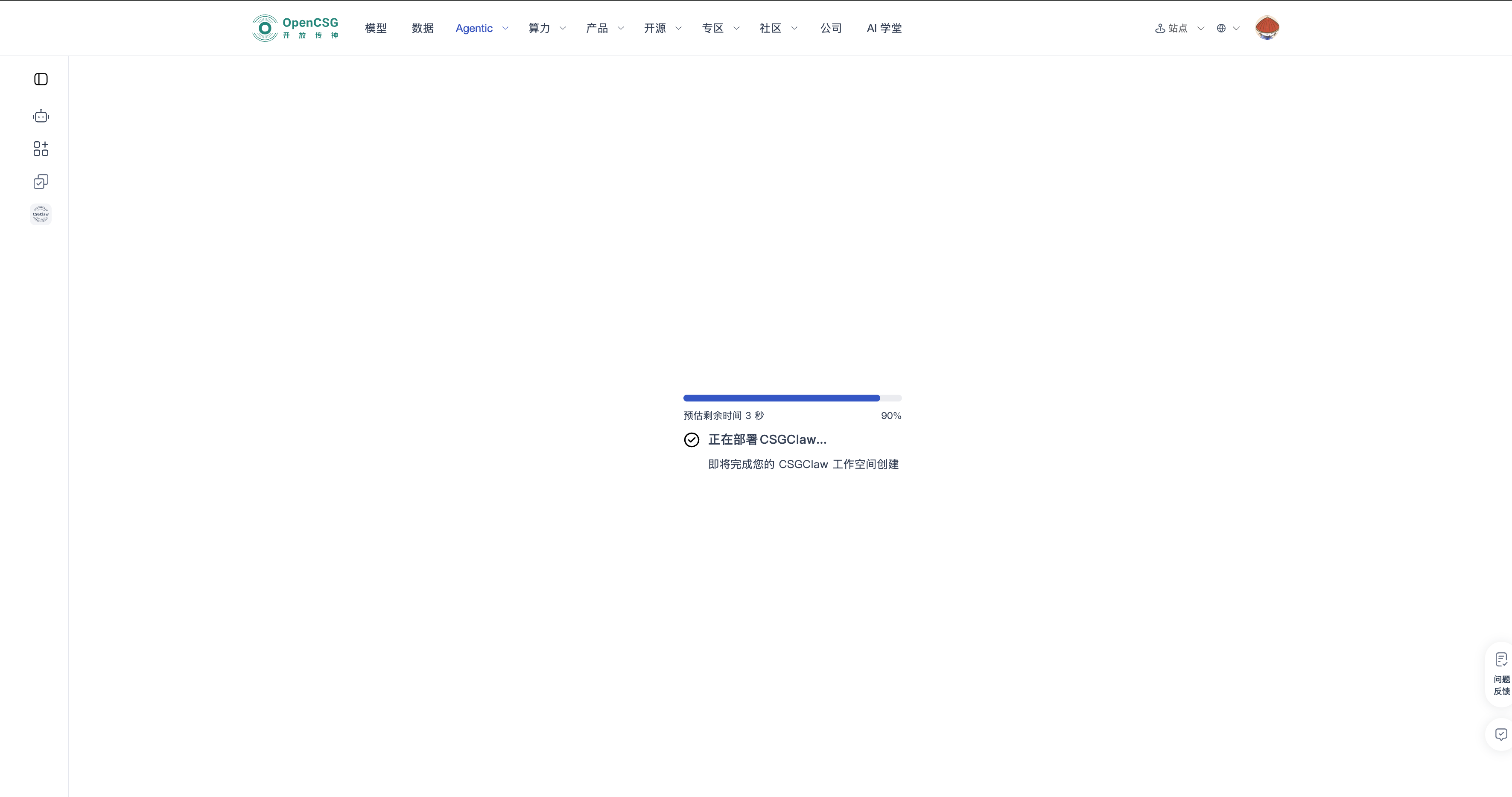
- Submit and watch init, deploy, and ready progress.
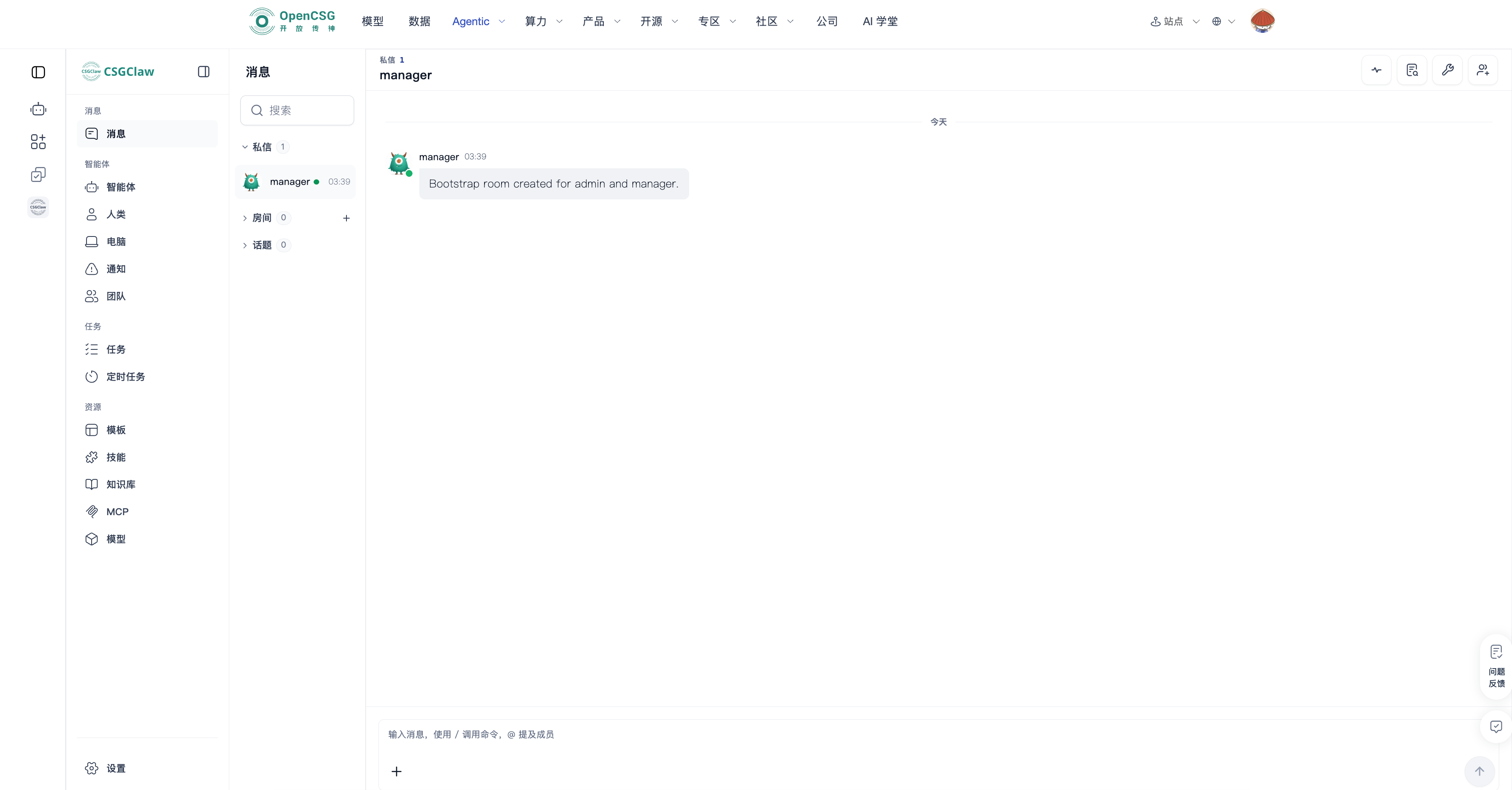
- When status is running, open the workspace and run a basic chat and tool-call check.
- On failure, read the on-page error. Go back, retry, or cancel an unfinished create.
- Stop from the workspace or instance menu. A stopped workspace cannot keep running; create or start again before use.
After the workspace is created
Path: Left CSGClaw / instance list → target instance → Edit or more actions.
- Edit name, description, model, cluster, compute, and public scope. Confirm details after each save.
- To share with external visitors, confirm public scope, then set the visitor usage limit if the current version provides it.
- To leave while running, return to AgenticHub. Do not keep using a canceled draft as a live instance.
Publish a template
Path: CSGClaw workspace / instance details → Publish template → fill metadata → submit → verify in Templates.
- Confirm the instance passed core and error-path tests.
- Fill name, introduction, prerequisites, parameter notes, and visibility.
- Confirm there are no credentials, internal addresses, or sensitive data, then submit.
- Search for the template and create a test instance.