Share and feedback
Back to Agentic assistant. Dedicated URLs, anonymous Q&A limits, and chat-page branding: Public access and sharing.
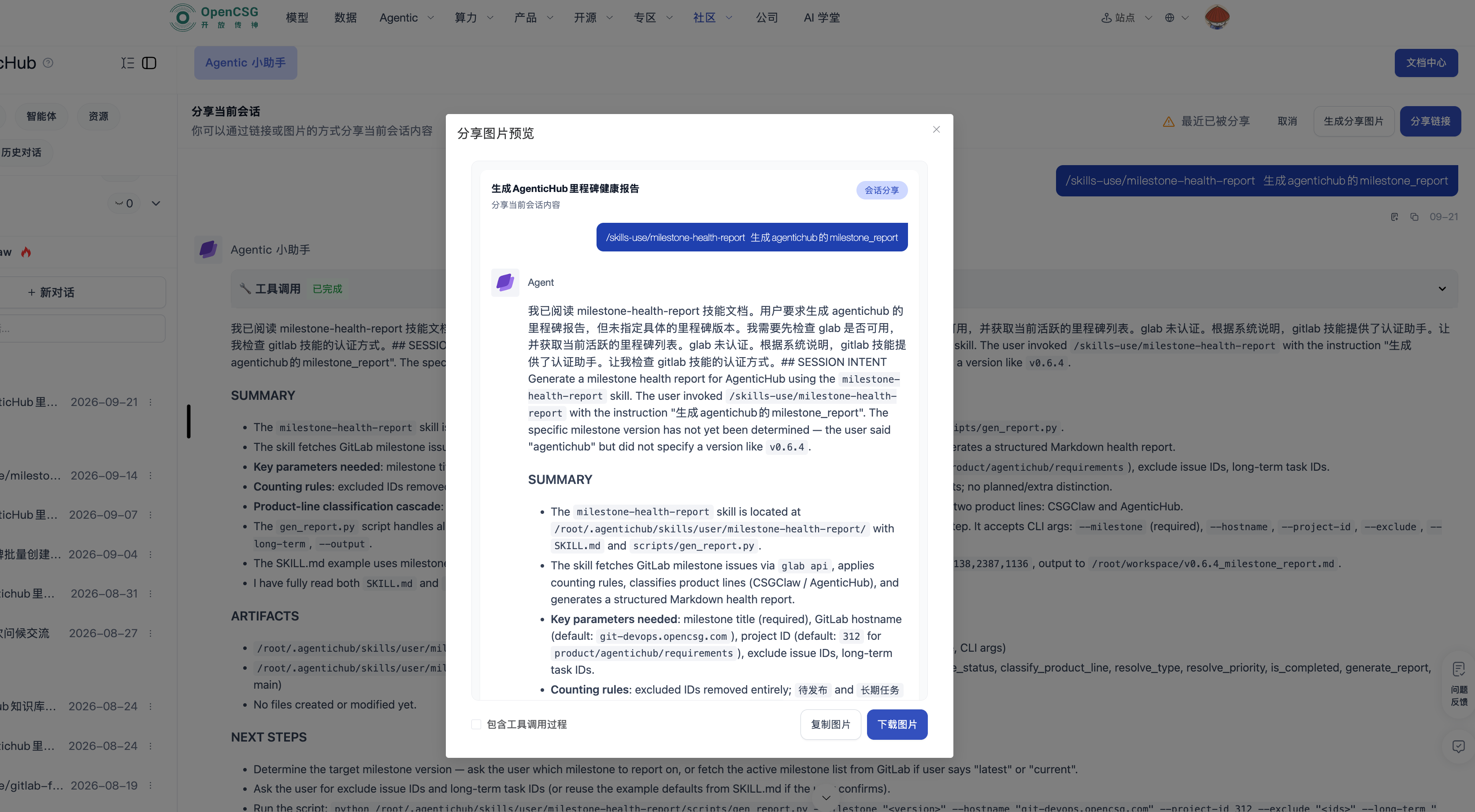
Share a conversation
Path: Target conversation → Share → image or web link → set access scope → generate.
- Check for sensitive content first.
- Choose image or web link.
- Set access scope and generate.
- Verify with an account that should not have access.
Recipients of a public agent can chat without signing in and are no longer blocked by their account balance.
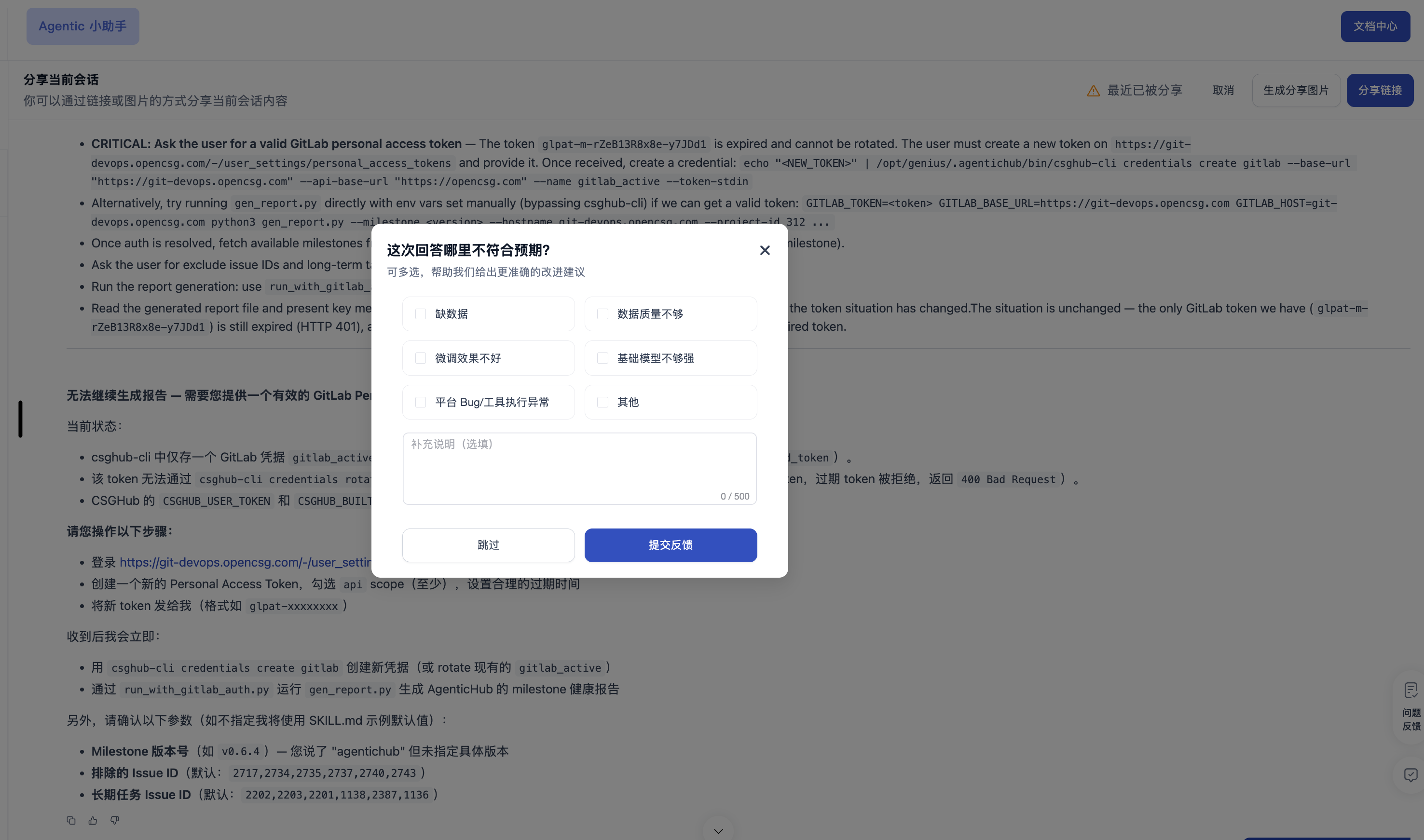
Answer feedback
Path: Answer card → thumbs up or down → if down, fill a reason → submit. Do not put secrets, personal data, or customer confidential information in feedback.