Create Skills Repository
Create New Skills Repository
After logging in to the community, click your profile avatar to reveal the "New Skill" button, then click to enter the Skills repository creation page.
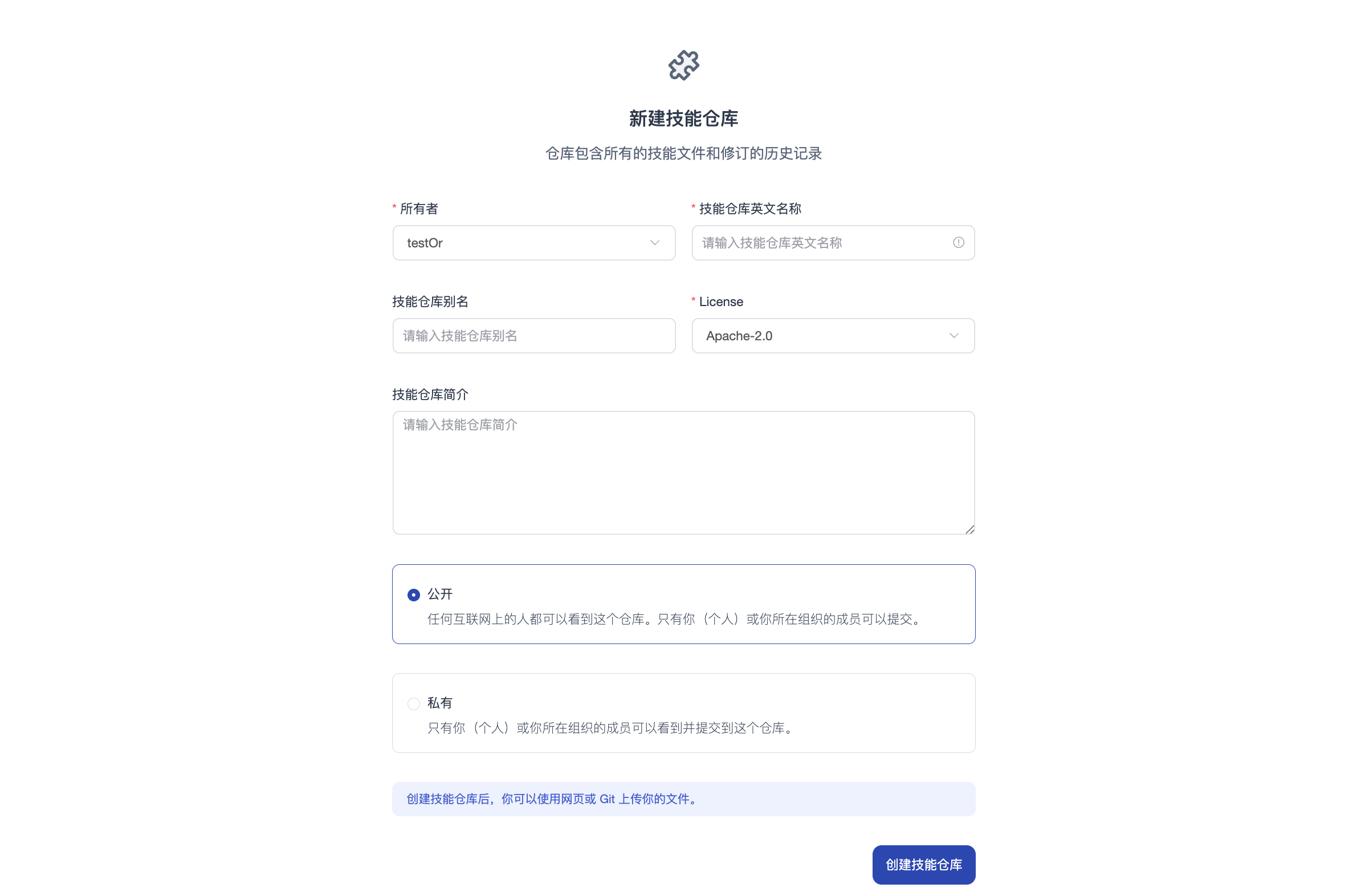
On the Skills repository creation page, fill in the following basic information, then click the "Create Skill" button to proceed:
- Repository owner defaults to your username (Owner), with dropdown option to select organization name
- Enter your Skill repository name, alias, and description
- Select license type
- Choose visibility (public/private)
Initial Page
After creating the Skills repository, you'll see the following interface:
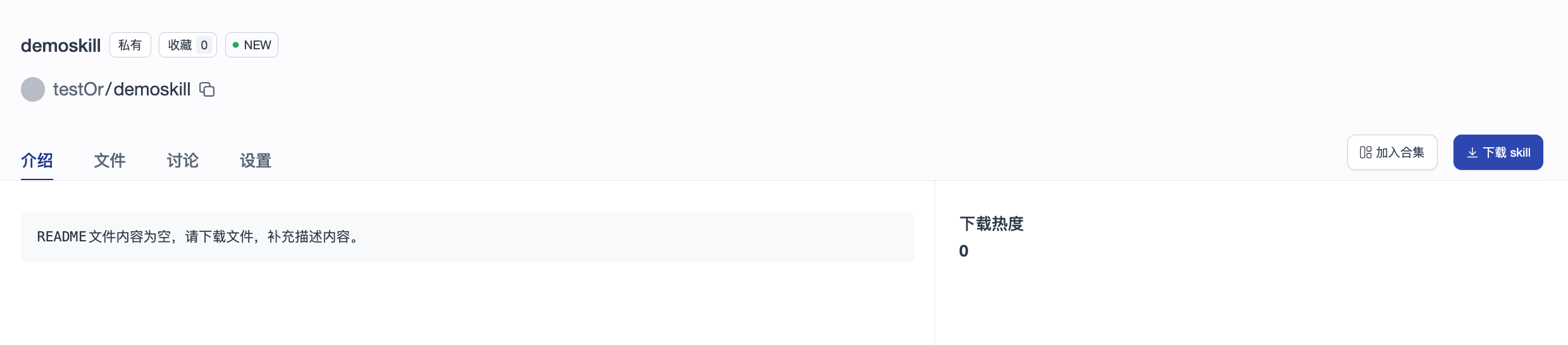
You can find the automatically generated README.md document in the "Files" tab for online editing. After completion, the system will automatically render the README.md file and display it on the "Overview" page.
Skills Repository List
Click your profile avatar to access your personal information page, where you can view all Skills repositories you've created.
Uploading/Downloading Skills Repositories
Skills repositories are managed based on Git. The clone URL format is:
git clone https://opencsg.com/skills/<your_username>/<your_skill_name>.git
The file upload and download operations for Skills repositories are the same as regular code repositories. Please refer to: