Exporting Fine-Tuned Models
After completion of training, you can export your converged model and push it to the intended platform space as a brand-new repository. Below are the basic export path instructions for mainstream frameworks.
Scheme A: Exporting via LLaMA-Factory
After completing a training cycle in the Web GUI, select the [Export] tab in the navigation list to access configurables:
-
Select the Best Checkpoint Choose the most optimal target version to transform from the list of training snapshots.

-
Establish Export Path and Target ID
- Export dir: Local temporary directory path for storing the result.
- CSGHub ID: The name of the target repository carrying the new fruits of labor. The format must embody the namespace (Example:
your-username/brand-new-model-name).

-
Execute Export Execute with the export interface button. The system then merges the underlying framework and finetuned layers and automatically pushes to the new repository.
Scheme B: Parameter Configuration via MS-Swift CLI
If using MS-Swift inside the console sandbox environment, execute equivalent export parameter commands:
-
Define Backbone Directory Path (
--model) Example:output/v0-20250715-175923/checkpoint-93/ -
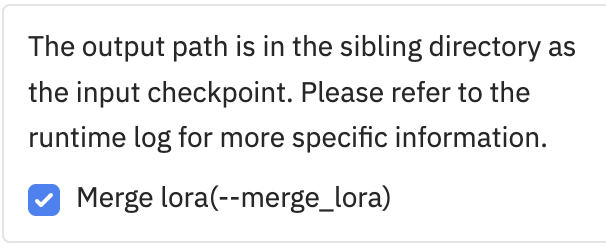
Check Merge LoRA Option To ensure the final result can operate independently in broad environments apart from stacking, it's recommended to merge all applied layer parameters uniformly.
-
Provide Push Target Parameters Complete the arguments to initialize the remote address specifying a concrete repository name (
hub_model_id). Example:--push_to_hub true --hub_model_id xzgan001/Qwen2.5-0.5B-Instruct-self3 --use_hf trueTip: MS-Swift configurations cannot overwrite existing data. Therefore, you must specify a new, unoccupied model repository marker for
--hub_model_idwithin the platform.
-
Run Execute operation until the system triggers an upload complete log, then navigate to your platform homepage to confirm its delivery.