Resource Management

1. Tag Management

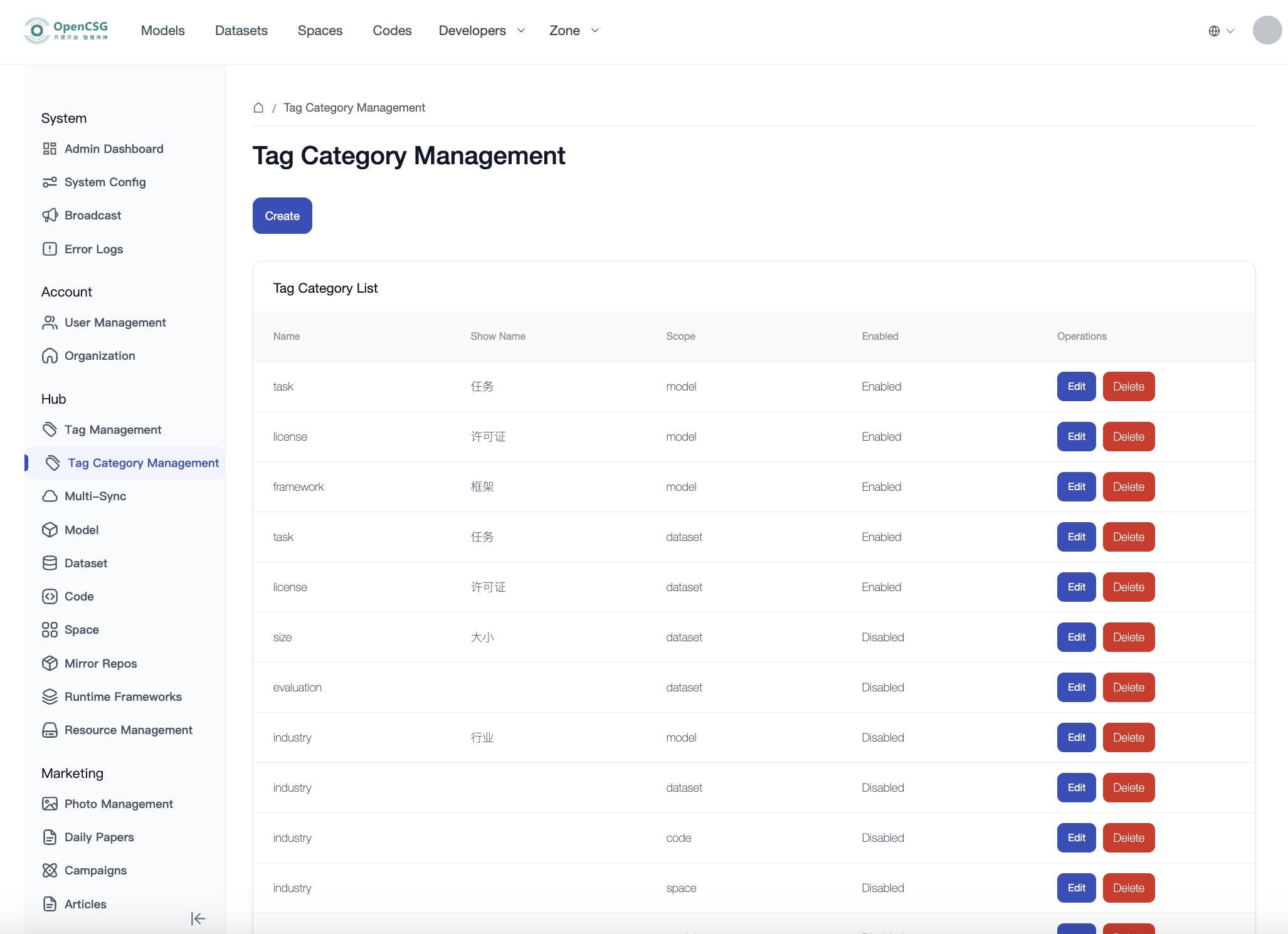
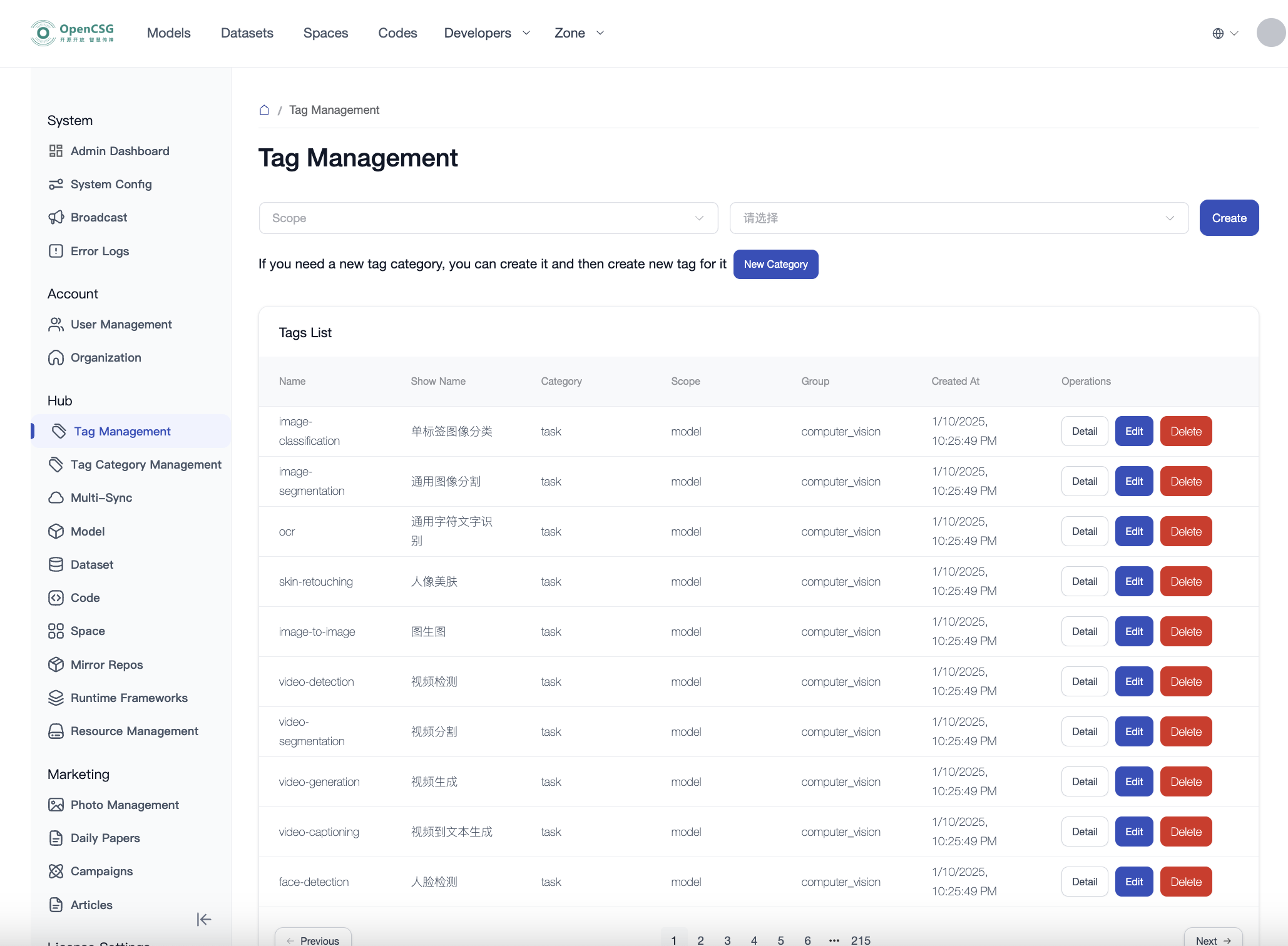
  • "Tags" are used to label and categorize resources, making it easier for users to quickly locate and manage them. "Tag Categories" are used to group tags.
  • Click "Tag Management" to enter the tag list page, which supports creating, editing, and deleting tags. alt text
  • Click "Tag Category Management" to enter the tag category list page, which supports creating, editing, and deleting tag categories. alt text

2. Multi-Source Synchronization

  • Supports synchronizing models and datasets from the Chuangshen Community. By registering for a Chuangshen Community account and obtaining a token, you can get synchronization privileges. alt text

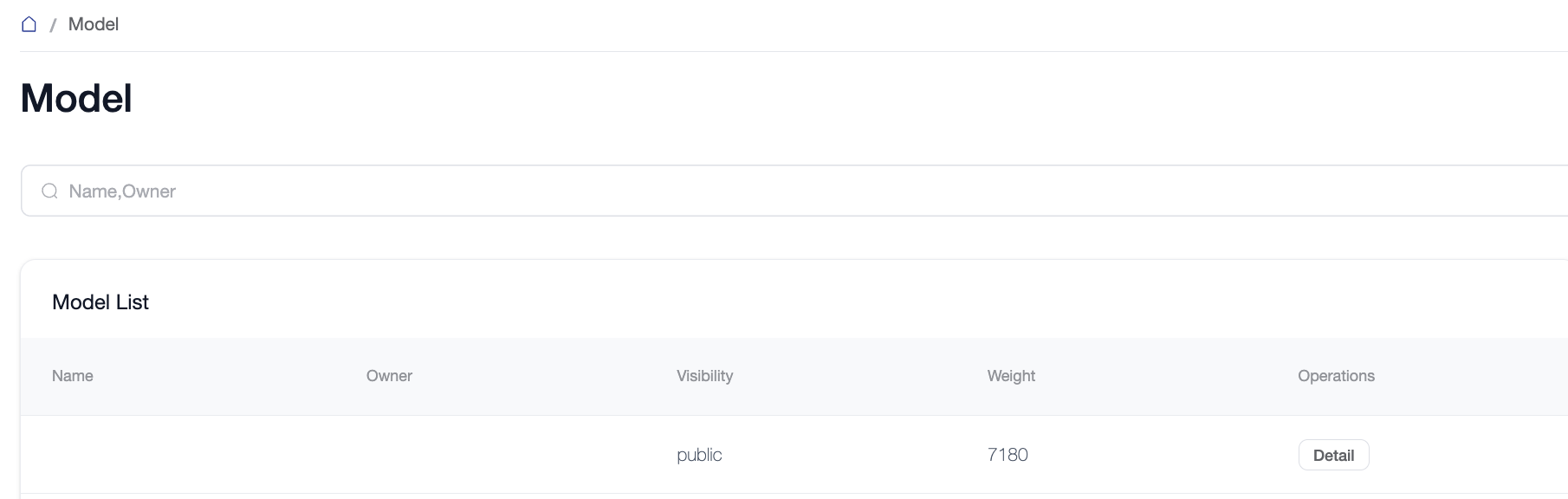
3. Model Management

  • Manage the models on the platform. Supports search, visibility modification, and deletion. alt text

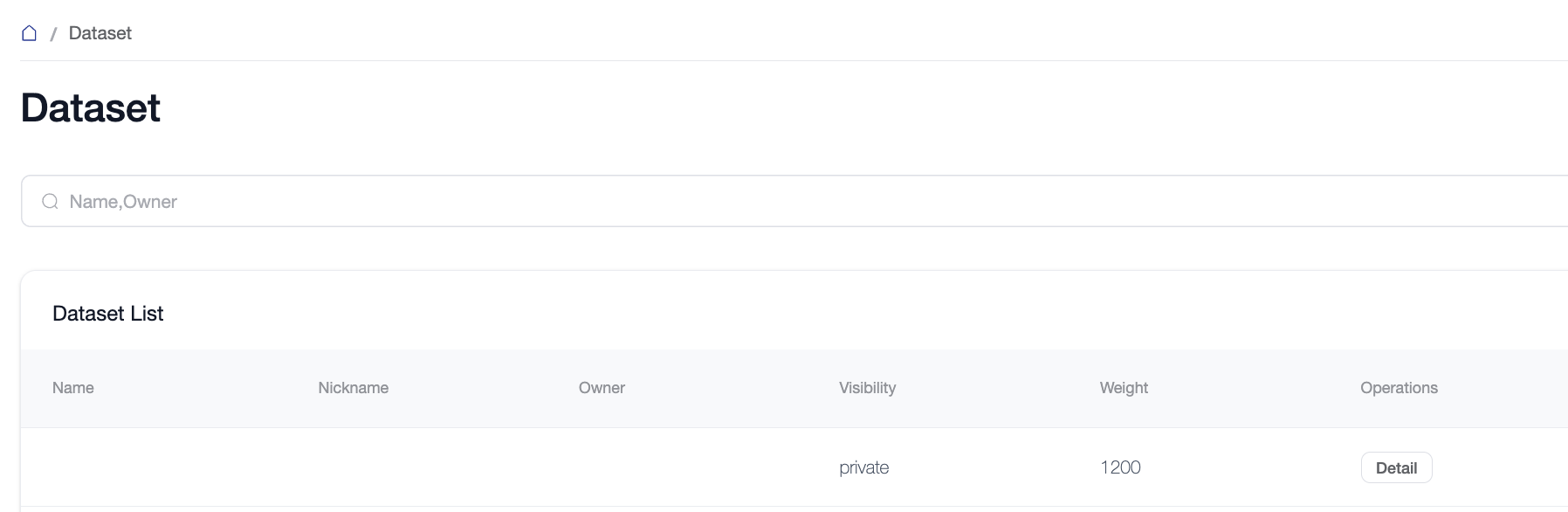
4. Dataset Management

  • Manage the datasets on the platform. Supports search, visibility modification, and deletion. alt text

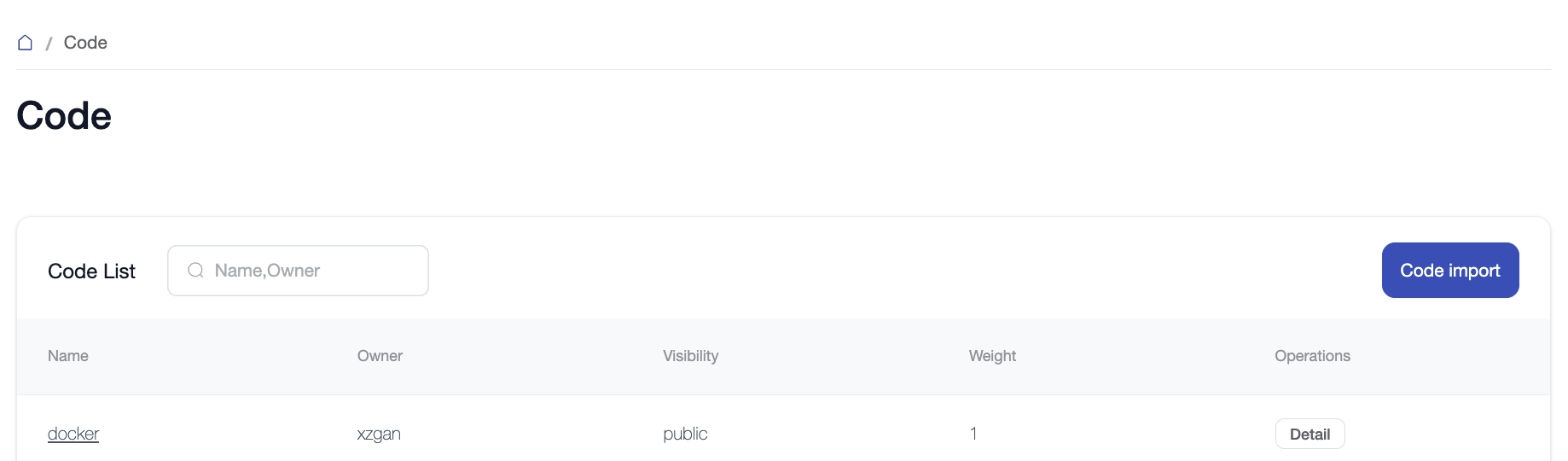
5. Code Management

  • Manage the code on the platform. Supports search, visibility modification, and deletion. alt text
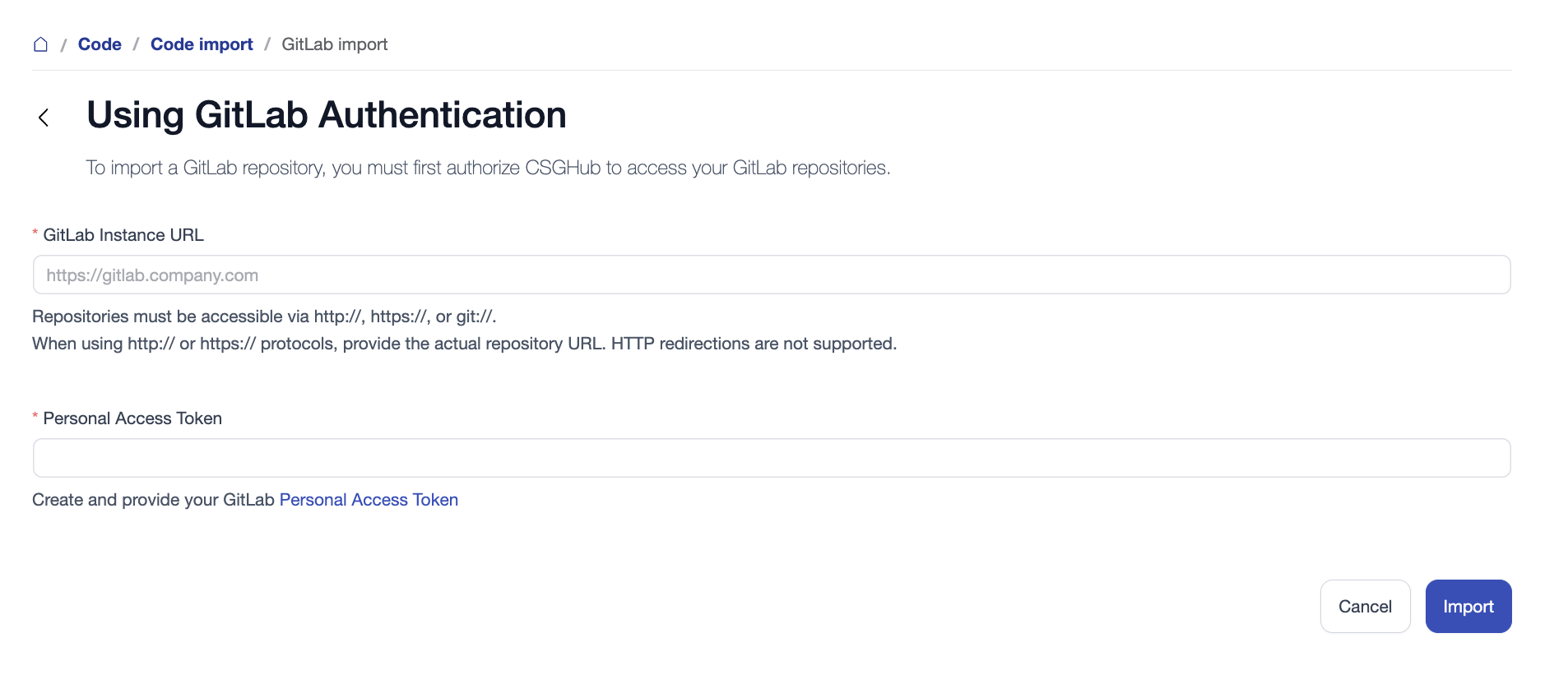
  • Click "Import Code", select a GitLab project, and after entering the instance URL and personal access token, the system will list all projects under the account, allowing you to choose and import the code. alt text
  • Supports importing all projects or selecting specific ones. alt text

6. Application Spaces

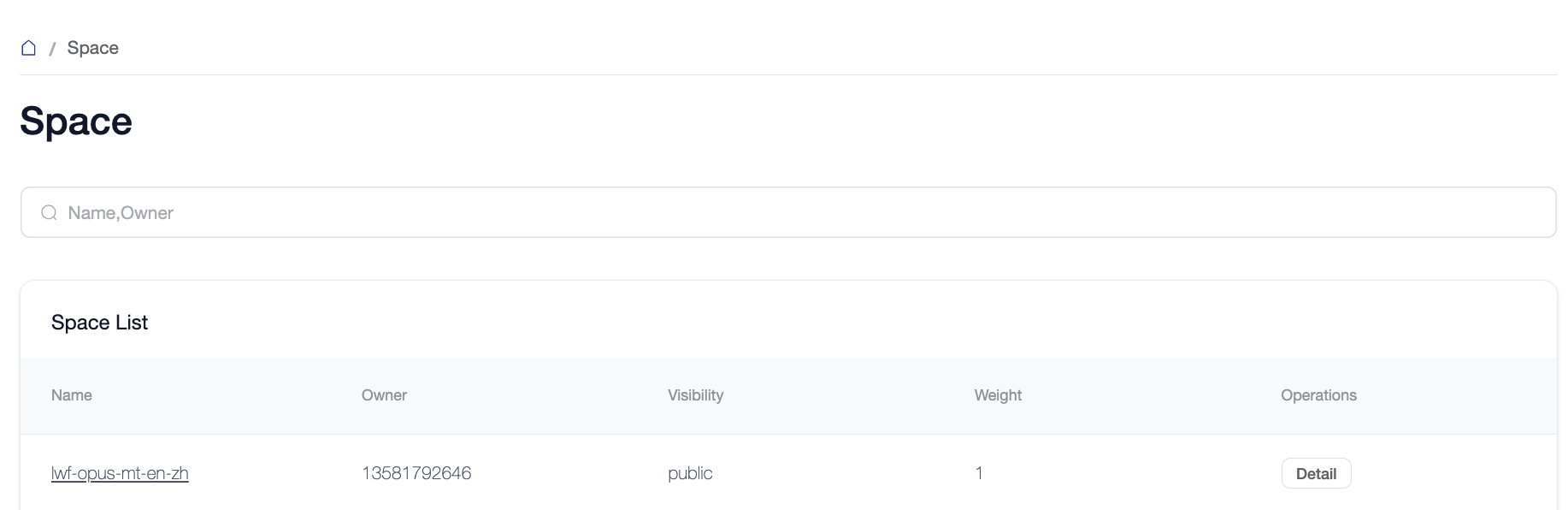
  • Manage application spaces on the platform. Supports search, visibility modification, and deletion. alt text

7. MCP Management

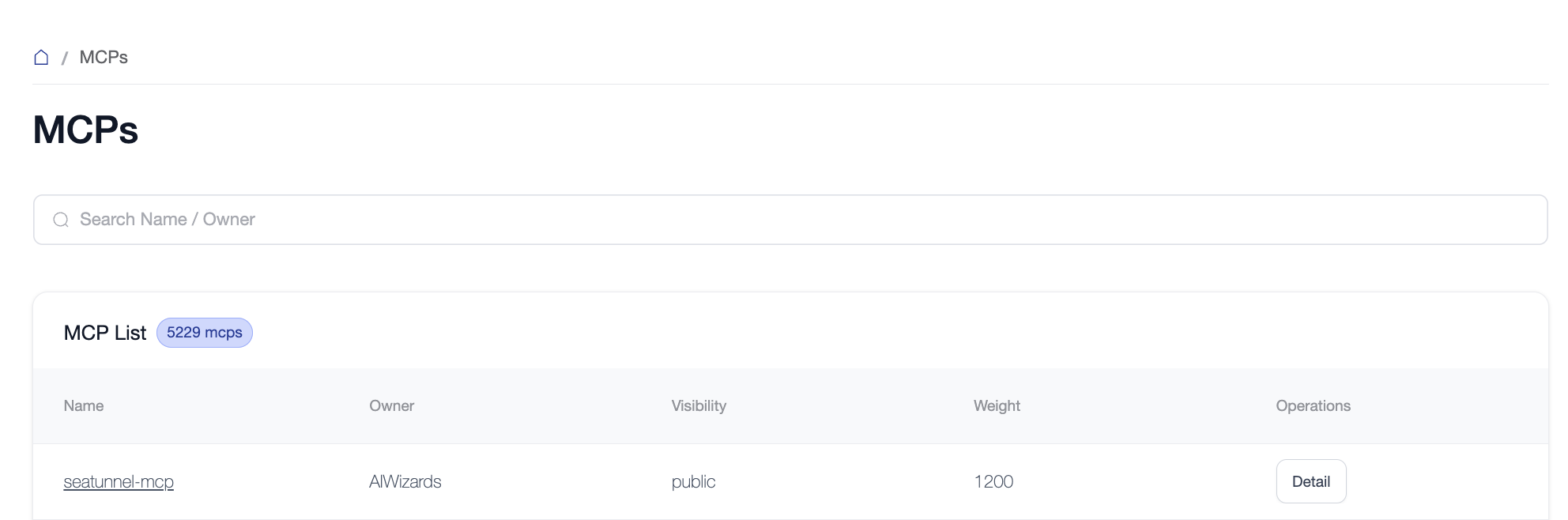
  • Manage the MCP resources on the platform, supports visibility editing and weight editing. alt text

8. MCP Gateway

  • The MCP Gateway supports centralized registration and management of remote MCP Servers. By setting the Endpoint URL, connection type, and request headers, you can connect remote MCP Servers to the platform. The platform provides a unified access point for applications to access MCP services. alt text
  • Supports editing registered MCP Servers, including name, description, Endpoint URL, connection type, and request headers. alt text

9. Skills Management

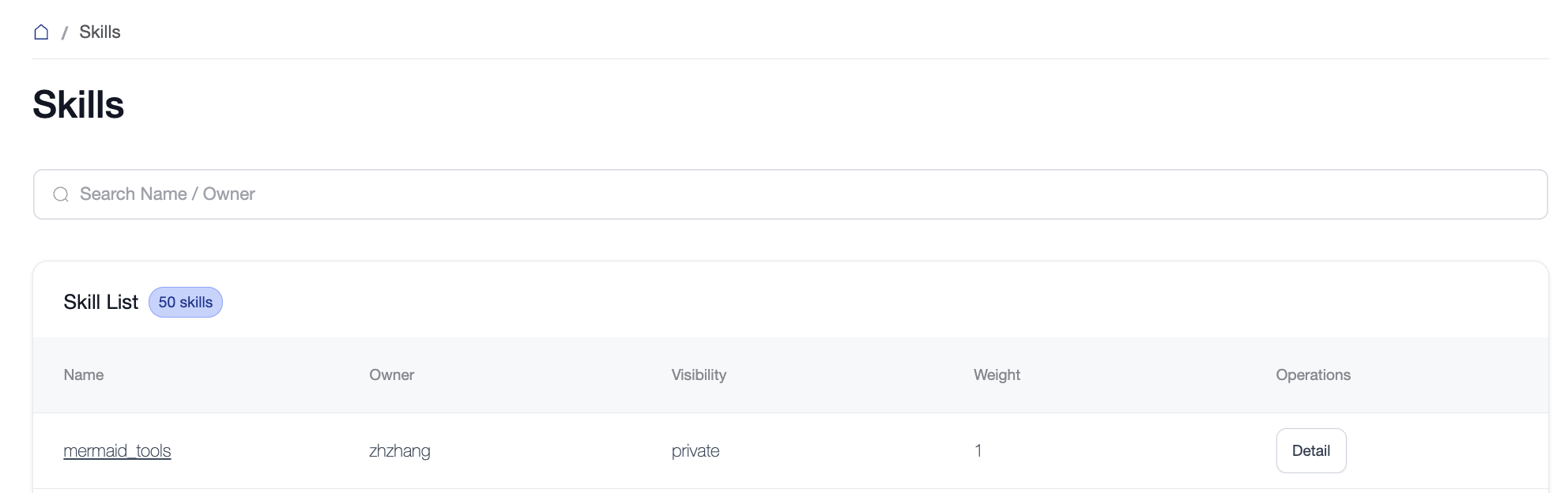
  • Manage Skills on the platform, supports visibility editing and weight editing. Skills are a mechanism for extending Agent capabilities, allowing Agents to perform specific tasks by registering and loading different skill modules. alt text
10. Serverless API

  • Manage the Serverless API on the platform, display current statuses, and modify parameters. alt text

11. Mirror Repository Management

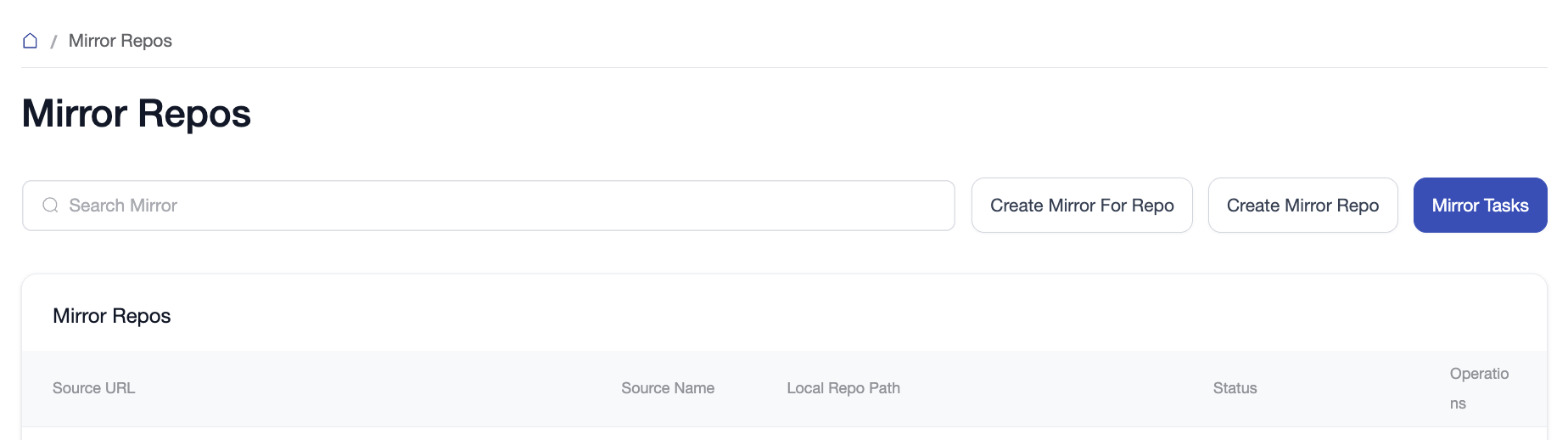
  • Supports manually creating mirror repositories in the backend and automatically synchronizing them from remote sources. Remote sources can be platforms that provide model and dataset repositories, such as HuggingFace or Chuangshen Community. alt text

12. Framework Management

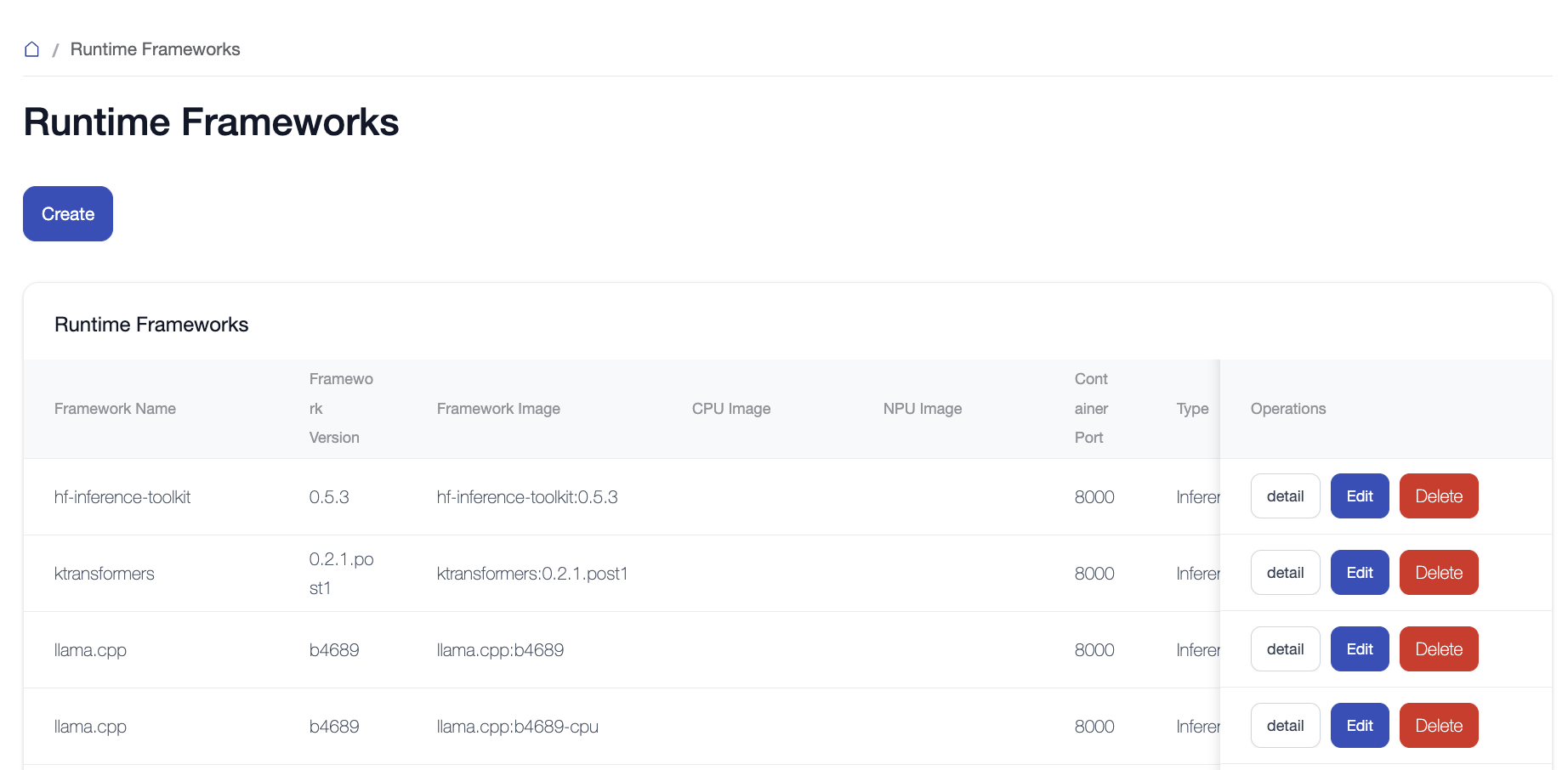
  • Manage inference frameworks on the platform. Supports creating, editing, and deleting frameworks. alt text

13. Resource Management

  • Manage the computing resources on the platform. Supports creating, editing, deleting, and displaying available statuses. alt text

14. Sensitive Words Management

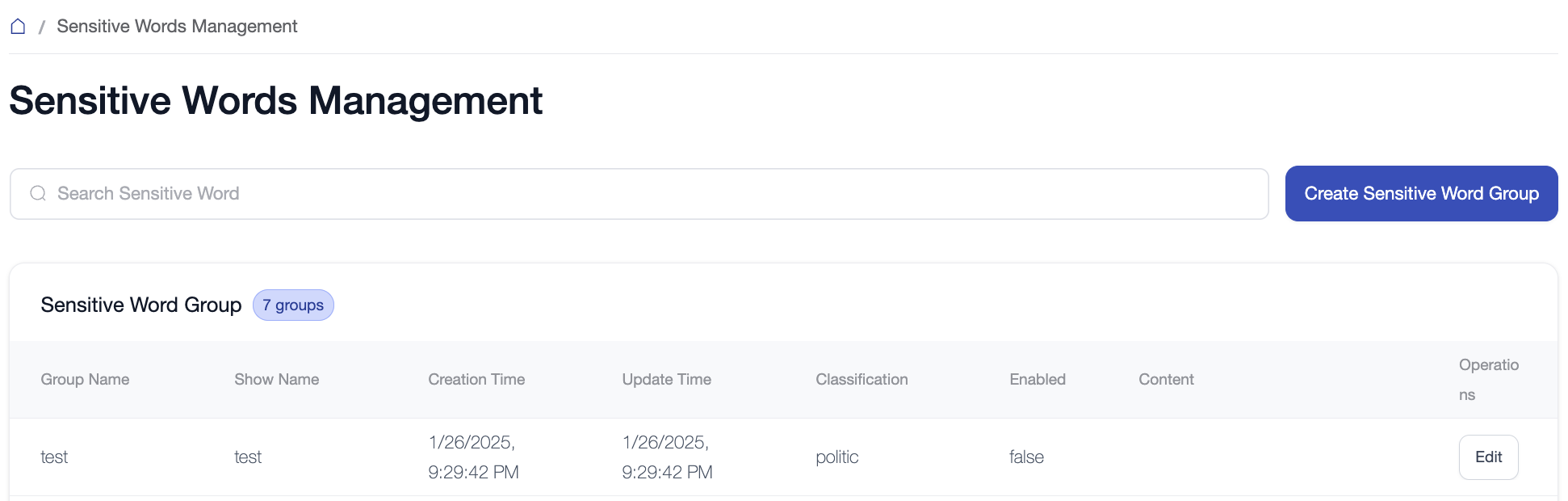
  • Manage sensitive words on the platform and support creating, editing and deleting them by sensitive phrases. alt text

15. Resource SKU Management

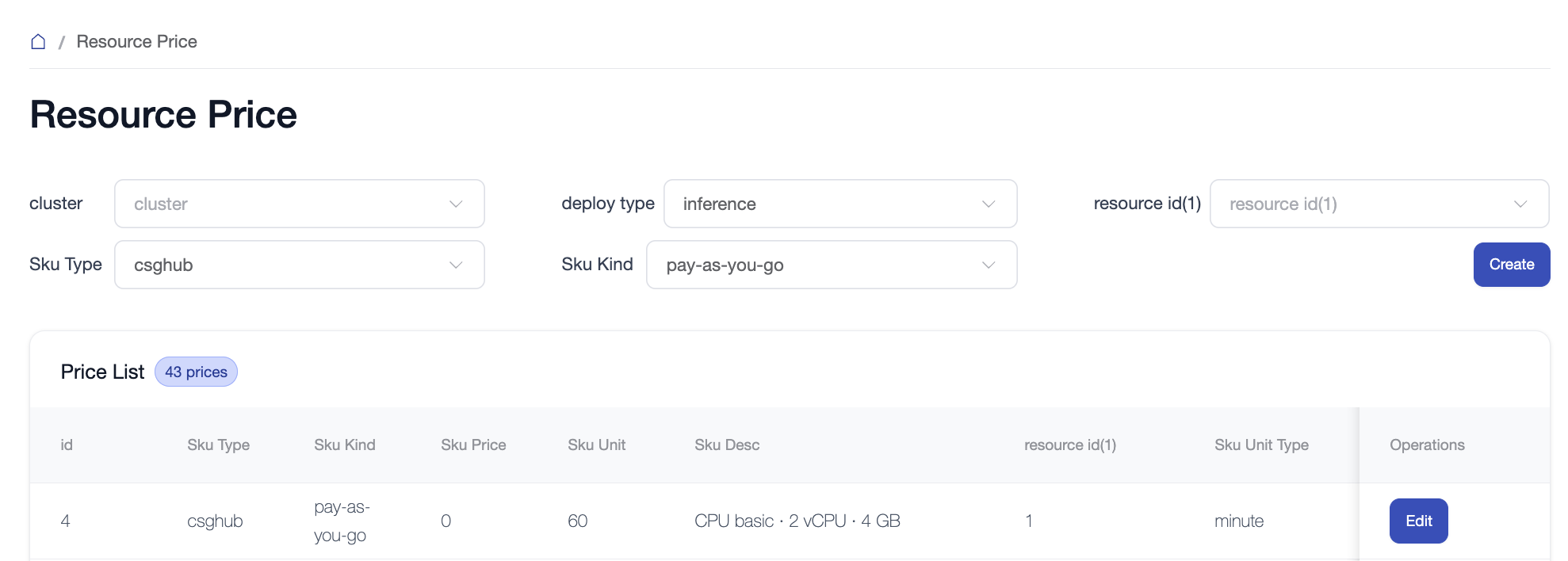
  • Manage the resource SKUs of the platform, supporting new creation, editing and deletion. alt text

16. Resource Usage

  • Display the real-time usage of platform resources and support filtering by time period. alt text

17. Cluster Management

  • Manage the cluster resources of the platform to enable enterprise administrators to understand which clusters are currently available and their overall operational status. alt text